
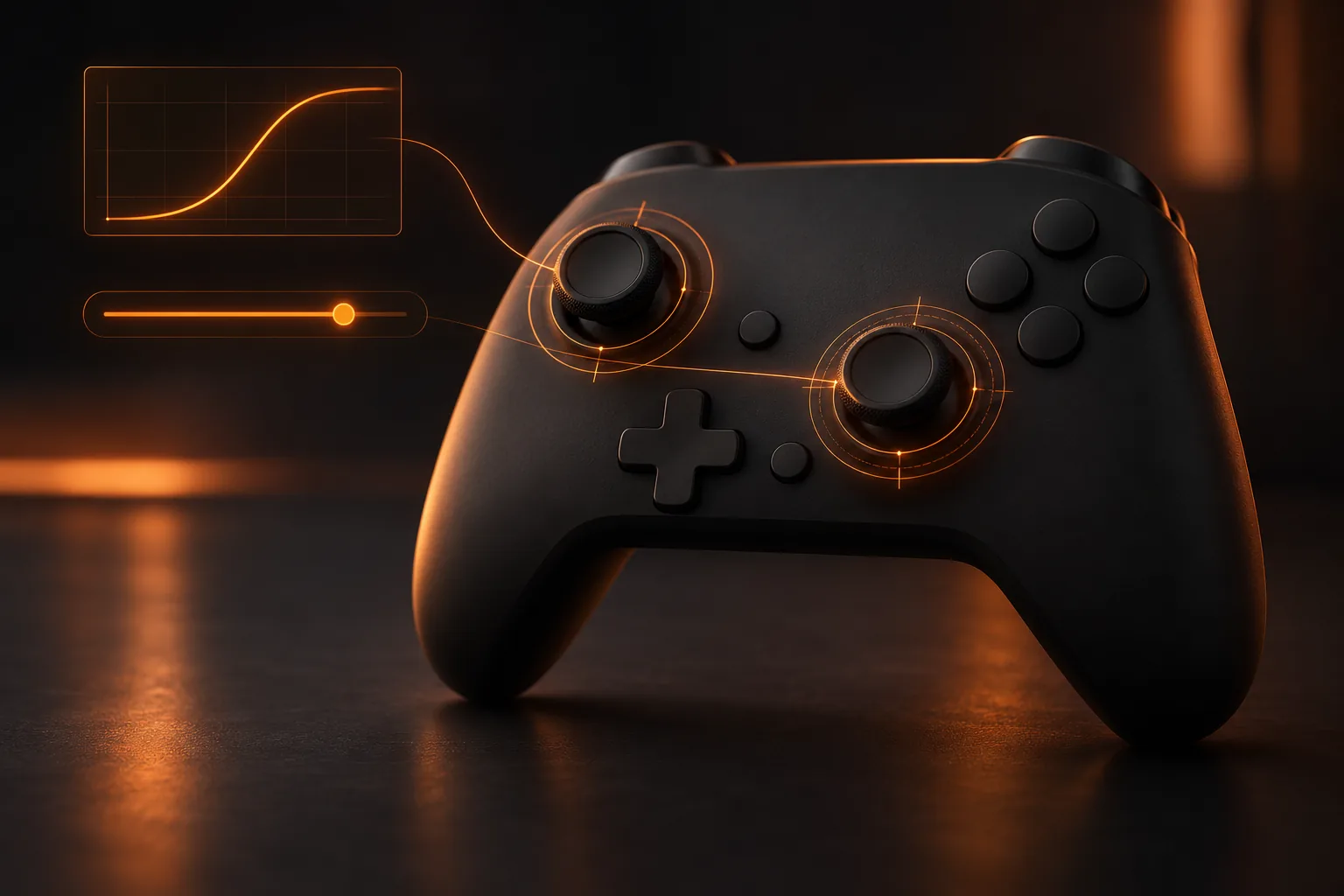
The best MW4 controller settings for most players are a stick sensitivity of 1.65 to 1.70, an ADS sensitivity multiplier of 0.95, the Dynamic aim response curve, a right stick deadzone of 3 minimum and 99 maximum, and Target Aim Assist on. Add the Tactical button layout, vibration off and the camera shake settings turned down, and you have a setup that stays accurate at range without feeling slow up close.
Copy those values as a starting point, not a final answer. Deadzones depend on your controller's wear and sensitivity depends on your hands, so the sections below explain what each setting does, which way to move it and how to test it in a few matches. The menu is the same on PS5, Xbox and PC with a controller, so one guide covers all three.
Best MW4 controller settings at a glance
- Button layout: Tactical
- Horizontal and vertical stick sensitivity: 1.65 to 1.70
- ADS sensitivity multiplier: 0.95
- ADS sensitivity transition timing: Instant
- Left stick deadzone: minimum 1 to 3, maximum 70 to 75
- Right stick deadzone: minimum 3, maximum 99
- Trigger deadzones: 0
- Aim response curve type: Dynamic
- Target Aim Assist: On
- Controller vibration: Off
- Trigger effect (DualSense): Off
- 1st Person Camera Movement: Minimal (25%)
- Motion blur and depth of field: Off
Sensitivity: why 1.65 and not 7
If you are coming from Black Ops 7, the numbers will look wrong. Modern Warfare 4 uses Infinity Ward's decimal sensitivity scale, so a value around 1.6 to 1.7 is a normal, medium speed setup. Typing in a Black Ops number like 6 or 7 will send your view spinning.
Start both horizontal and vertical at 1.65, the common starting point in launch guides. Call of Duty League pros tend to run slightly faster: 1.70 is the most common sensitivity among the pros whose MW4 settings are on record. If you find yourself losing fights because you cannot turn to face someone who flanks you, raise both by 0.05 at a time. If you overshoot targets at mid range, drop by the same step. Keep horizontal and vertical matched unless you have a specific reason not to: a lower vertical value can help if you struggle to hold recoil down, but it also makes it harder to track a jumping or sliding enemy.
The ADS sensitivity multiplier controls how fast you aim while scoped in, as a fraction of your base speed. 0.95 keeps aiming close to your normal feel. If long range shots feel twitchy, use Custom Sensitivity Per Zoom to lower only the high zoom bands rather than slowing every optic. Set ADS Sensitivity Transition Timing to Instant so your speed changes the moment you aim, which keeps your muscle memory consistent.
Deadzones: test yours before copying anyone's
The deadzone is how far you can move a stick before the game registers it. The lower the minimum, the more responsive your aim, until the point where a worn stick starts drifting on its own.
MW4 has a Test Stick Deadzone option in the menu. Use it:
- Set the right stick minimum to 0 and let go of the stick.
- If the test shows movement with your thumb off the stick, raise the minimum one step at a time until it stops.
- Add one more step as a safety margin. For most controllers that lands between 2 and 5.
Set the right stick maximum to 99 so you reach full turning speed just before the stick hits its edge. That 3 minimum and 99 maximum is also the most common right stick setup among pros. For the left stick, a lower maximum of 70 to 75 means you hit full sprint and strafe speed with a smaller push, which makes strafing in a gunfight quicker; most pros run a left stick minimum of 1 with a maximum of 75. Trigger deadzones at 0 make your shots fire at the lightest pull; raise them only if you find yourself firing by accident.
Aim response curve: why Dynamic
The Aim Response Curve Type decides how stick movement turns into on-screen movement. Dynamic is the near-universal choice: small stick movements produce fine adjustments for precise aiming, and big movements still turn quickly. The other two options are Standard, the default, which ramps up more gently and suits players still learning the game, and Linear, which maps stick movement directly to aim speed and suits experienced players who want no curve at all. MW4 has no separate aim acceleration switch, so Linear is the closest thing to turning the curve off.
If your menu shows an Aim Response Curve Slope Scale, leave it at 1.00 to begin with. It shapes how steeply the curve ramps up; change it only after your sensitivity and deadzones feel right, otherwise you will be tuning two things at once.
Aim assist settings in MW4
Turn on Target Aim Assist. There is no competitive reason to switch it off on a controller: aim assist is part of how the game is balanced for controller players. If your menu also shows ADS Aim Assist, leave it on as well.
How strong is it? Infinity Ward reduced aim assist's impact during the August beta and said it was still working on the tuning. Its stated aim for launch was close to even fights between equally skilled controller and mouse players, with controller strongest up close and mouse ahead at long range. The Season 1 patch notes, published on 5 November, made no changes to aim assist, so the launch tuning still stands. It is often retuned in season updates, so check the notes when each new season lands. For how the system works in detail, read our MW4 aim assist guide.
If you play on PC and want more help than the game's own aim assist gives you, Aim Assist Plus is our PC app that adds tracking help on top, on a controller or mouse and keyboard.
Button layout and inputs
Tactical swaps crouch and slide onto the right stick click, so you can slide or drop shot without taking your thumb off the aiming stick. It takes a few matches to get used to and is worth it. If you play on a controller with back paddles, Default with your paddles mapped to jump and crouch does the same job.
Turn controller vibration off: rumble shakes your hands at exactly the moment you are trying to hold a shot steady. On PS5, turn the DualSense Trigger Effect off as well, because resistance in the trigger slows how quickly you can fire. Leave Swap L1/R1 with L2/R2 off unless you have always played that way.
Graphics settings that help you aim
A few options outside the controller menu matter as much as sensitivity:
- 1st Person Camera Movement: set it to Minimal (25%). It reduces how much your view bobs and shakes when you move and land, which keeps your crosshair steady.
- HUD Widget Shake: off, for the same reason.
- Motion blur and depth of field: off. MW4 splits depth of field into World and Weapon settings; turn off both so enemies stay sharp when you aim.
- Field of View: raise it from the default until mid range targets still look comfortably large. A wider view helps you spot flanks, but targets shrink, so go up in small steps. Most pros play at 100; on a monitor at desk distance, many players go higher, up to around 120. Set ADS Field of View to Affected so your aimed view scales with your normal one.
Do the same settings work in Warzone?
Yes. Warzone uses the same controller menu, and from Season 1 on 6 November, Modern Warfare 4's weapons and progression come into Warzone, so one setup now covers both. The only change worth making is the per zoom ADS sensitivity: Warzone fights happen at longer range, so if you run a high zoom optic on your rifle, lower that zoom band a little. Tactical Sprint is standard for everyone in Warzone from Season 1, while in multiplayer it comes from the Blood Rush perk, so check your Tactical Sprint Activation setting if sprinting feels different between the two.
For loadouts in the new season, the live Warzone meta page tracks which guns are strongest as the Season 1 data comes in.
How to test your settings
Change one thing at a time and play two or three matches in a mode you know well before judging it. Pay attention to three moments: turning to face someone who shoots you from the side, tracking a strafing enemy at mid range, and holding a long range shot on target. If the first is slow, raise sensitivity. If the second drifts, look at your right stick deadzone and curve. If the third shakes, check your camera movement and per zoom settings before blaming the gun.
Write down the values that work, so you can get back to them in a minute after experimenting or switching controllers.
Settings fix your aim, not your lobbies
The best controller settings in the world will not help much if every lobby is full of players running the same settings and the same meta guns. Modern Warfare 4 builds lobbies with connection as a top priority and skill as one of the factors, so the region you queue from shapes who you meet.
That is the part the BotLobbies MW4 VPN works on. It reshapes the region the game connects you through, so you can queue for easier lobbies at the same ping, on PC, Xbox and PS5. Only matchmaking is routed; your game traffic stays direct, and nothing is injected, read or modified in the game. Plans start from £6.99 a month with no per-match fees. We shift the maths of matchmaking; no specific lobby is guaranteed. If you want the full story on how MW4 matches players, read Does MW4 have SBMM?
FAQ
What is the best sensitivity for MW4 on controller?
Around 1.65 to 1.70 for both horizontal and vertical, with an ADS multiplier of 0.95. 1.70 is the most common setting among Call of Duty League pros. Move in steps of 0.05: up if you are slow to turn on flankers, down if you overshoot targets. MW4 uses a decimal scale, so do not copy a Black Ops number like 7.
What is the best deadzone for MW4?
As low as your controller allows without drift. Use the Test Stick Deadzone option, find the lowest right stick minimum that shows no movement with your thumb off the stick, then add one step. That is usually 2 to 5. Keep the right stick maximum at 99 and try 70 to 75 on the left stick.
Should I use the Tactical or Default button layout?
Tactical, unless you have back paddles. It puts slide and crouch on the right stick so you can move without letting go of your aim. With paddles, Default plus paddle binds does the same.
Does using a VPN affect aim assist?
No. Aim assist runs inside the game on your console or PC. A matchmaking VPN like BotLobbies only changes the route used for matchmaking, and your game traffic stays direct, so your controller settings and aim assist behave exactly the same.
Does mouse and keyboard get aim assist in MW4?
No. Aim assist is for controller players on PS5, Xbox and PC. On PC you can play on a controller and get the same aim assist as console players.