
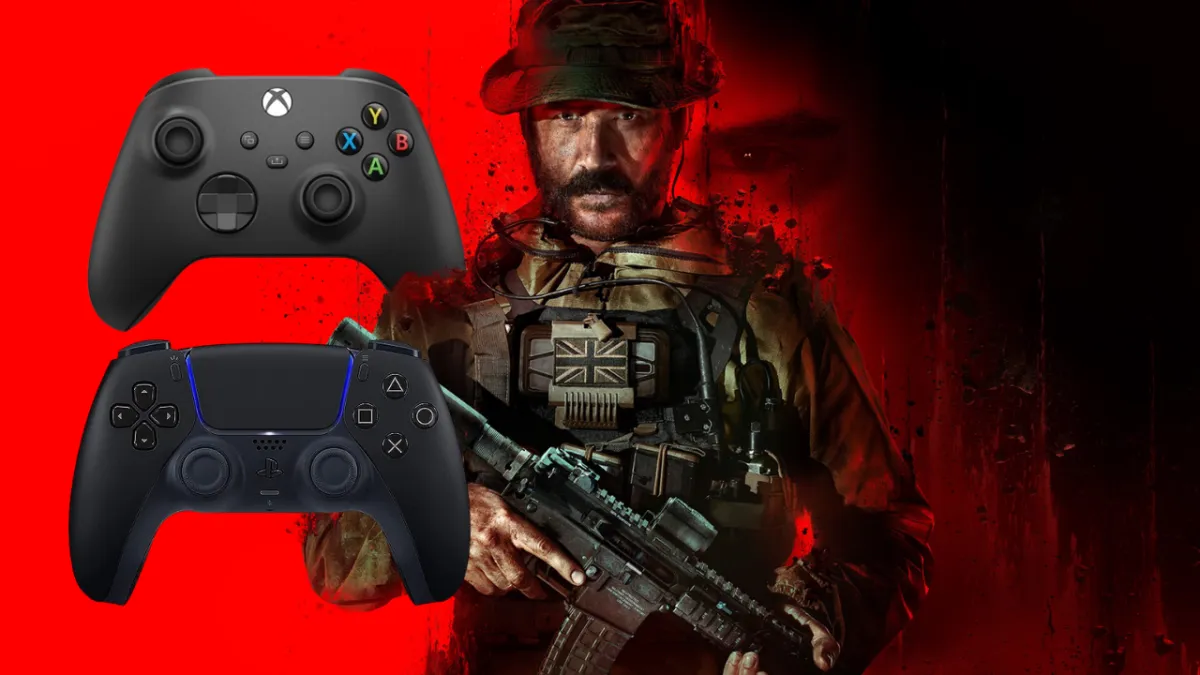
Aim assist has become a central topic in the Call of Duty (CoD) and Warzone communities, stirring debates among players who use controllers versus those who prefer mouse and keyboard.
This article delves into the positive and negative aspects of aim assist, offering a comprehensive view of how it affects gameplay, player experience, and the overall competitive balance in these popular first-person shooters. Additionally, we will explore how Aim Assist Plus can optimize your gaming experience by providing enhanced control and customization.
What is Aim Assist?
Aim assist is a feature designed to help controller players improve their accuracy by slightly adjusting the aim to keep it on target.
This mechanism compensates for the natural precision advantage that mouse and keyboard players have.
There are various settings for aim assist in Warzone, including Standard, Precision, and Focusing, each catering to different skill levels and play styles (Gamepur) (Charlie INTEL).
If you’re wondering “what is aim assist,” it’s the feature that makes aiming more manageable for controller players.
Positive Aspects of Aim Assist
1. Levelling the Playing Field Aim assist helps bridge the gap between controller users and mouse and keyboard players. Controllers inherently lack the precision that a mouse provides, making aim assist essential for maintaining competitive balance. By offering a slight advantage to controller players, aim assist ensures that players using different input methods can compete more fairly (Gamepur).
2. Enhanced Accessibility For casual gamers or those new to first-person shooters, aim assist lowers the entry barrier. It allows new players to enjoy the game without the frustration of constantly missing shots, which can be particularly discouraging in a fast-paced game like Warzone (Charlie INTEL).
3. Improved Player Experience Aim assist contributes to a smoother and more enjoyable gaming experience. By reducing the difficulty of aiming, players can focus more on strategy and movement rather than just trying to line up their shots. This can lead to a more engaging and less frustrating gaming session (ZLeague GG).
Negative Aspects of Aim Assist
1. Perceived Unfair Advantage One of the most significant criticisms of aim assist is that it provides an unfair advantage to controller players, especially in cross-platform play. Mouse and keyboard players often argue that aim assist is too powerful, making it easier for controller users to hit shots that would otherwise require more skill (ZLeague GG).
2. Inconsistencies in Competitive Play In competitive scenarios, the presence of aim assist can lead to inconsistencies. High-level players argue that aim assist can sometimes feel inconsistent, with moments where it might seem to snap onto targets too aggressively or not enough. This can create frustration and lead to debates about the fairness of competitions (Gamepur).
Best Aim Assist Settings in Warzone
While traditionally associated with console gaming, PC players using controllers can also utilize aim assist in Warzone. To enable aim assist on PC, players need to connect a compatible controller and ensure that the aim assist settings are turned on in the game’s options menu.
This can provide a more balanced experience for players who prefer controllers over mouse and keyboard (Gamepur) (Charlie INTEL). Knowing how to get aim assist on PC can enhance the gameplay for many players.
Best Controller Settings for Warzone
Finding the best controller settings for Warzone involves adjusting sensitivity, button layout, and aim response curves to suit your play style. Lower sensitivity settings can provide more precise control, while higher settings allow for quicker movements.
It’s also essential to customize button layouts for easier access to critical actions during gameplay (Charlie INTEL) (Setup.gg). Identifying the best controller settings for Warzone can improve your overall performance.
Introducing Aim Assist Plus
To further enhance your gaming experience, consider using Aim Assist Plus from Bot Lobbies. Aim Assist Plus is designed to provide advanced customization options, allowing players to fine-tune their aim assist settings beyond what the default game options offer. This tool can help players:
Personalize Aim Settings: Adjust aim assist strength and responsiveness to match your play style and preferences, providing a more tailored and effective aiming experience.
Improve Accuracy: Fine-tuning aim assist can lead to more precise shots, reducing the margin of error and increasing your overall performance in-game.
Enhance Competitive Edge: With more control over your aiming settings, you can gain a competitive edge over opponents who rely on default configurations.
Aim Assist Plus integrates seamlessly with your existing setup and provides an intuitive interface for easy adjustments. Whether you’re a casual player looking to improve your gameplay or a competitive gamer aiming for the top, Aim Assist Plus offers the tools you need to succeed.
Conclusion and Best Practices
Aim assist in Call of Duty and Warzone is a double-edged sword, offering significant benefits for accessibility and competitive balance while also sparking controversy and debate among the player base. While it enhances the experience for many, it also challenges perceptions of fairness and skill.
As the gaming community continues to evolve, the aim assist debate will likely persist, reflecting broader conversations about accessibility, competition, and enjoyment in gaming. For a customized aim assist experience, check out Aim Assist Plus.